AI-Generated Podcast Cover Art: A Quick How-To
David Okafor
Product Marketing
June 8, 2026
9 min
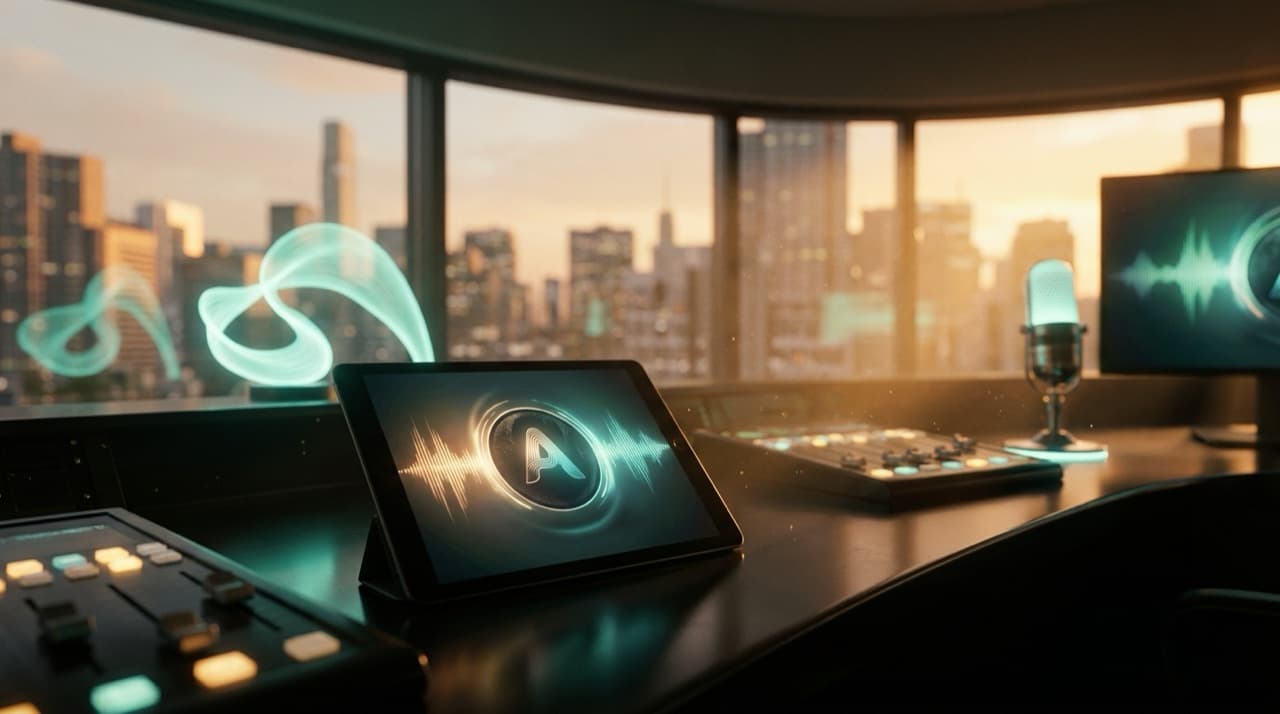
In today's crowded digital landscape, a podcast needs to grab attention fast. While your audio content is king, your podcast cover art is the silent ambassador, the crucial first impression that can make or break a listener's decision to click "play." With the explosive growth of artificial intelligence, creating visually striking, unique, and professional-grade cover art has become more accessible than ever. You no longer need to be a seasoned graphic designer or commission expensive artists to brand your show effectively.
This guide will walk you through the process of generating compelling AI-powered podcast cover art, from understanding the tools to mastering the prompts and refining your masterpiece. As an AI-native platform, Dictem understands the power of AI to transform content, whether it's localizing your podcast into 80+ languages or creating stunning visuals. Let's harness that power for your podcast's visual identity.
Why AI for Your Podcast Cover Art?
The advent of AI art generators has revolutionized creative workflows, offering several compelling advantages for podcasters:
- Speed and Efficiency: Traditional design processes can be time-consuming, involving multiple iterations and communication with designers. AI can generate dozens, even hundreds, of unique images in minutes, drastically accelerating your ideation and production timeline.
- Cost-Effectiveness: Commissioning custom artwork can be expensive, especially for new podcasters operating on a tight budget. Many AI tools offer free tiers or affordable subscriptions, making high-quality visuals accessible to everyone.
- Unleashed Creativity: AI can interpret abstract concepts and combine disparate elements in ways a human might not immediately conceive. This can lead to truly unique and imaginative artwork that stands out. It allows you to experiment with different styles (photorealistic, painterly, abstract, cyberpunk, minimalist) with ease.
- Iterative Design: You can easily refine your vision. If an initial AI output isn't quite right, you simply adjust your prompt and generate new variations, allowing for a highly iterative and flexible design process.
- Global Appeal: As Dictem helps content creators reach global audiences by localizing podcasts, videos, and courses into over 80 languages, a visually compelling, universally understood cover art can be a significant asset. AI can help you experiment with imagery that resonates across different cultures.
Choosing Your AI Art Generator
The market for AI art generators is booming, with new tools emerging regularly. Each has its strengths, unique aesthetics, and pricing models. Here are a few popular options to consider, along with what to look for:
- Midjourney: Known for its artistic and often surreal outputs. It operates primarily through Discord, which might have a slight learning curve for some.
- DALL-E 3 (integrated into ChatGPT Plus/Enterprise): Offers excellent prompt understanding and often produces more literal, less stylized results compared to Midjourney, making it great for specific concepts.
- Stable Diffusion (various interfaces like Leonardo.Ai, DreamStudio): An open-source model that offers immense flexibility and customization, often with a steeper learning curve but powerful results. Leonardo.Ai, for example, provides a user-friendly interface with many features.
- Adobe Firefly: Integrated into Adobe's ecosystem, it's designed to be user-friendly and commercially safe, making it a strong contender for professional use.
When choosing a tool, consider:
- Ease of Use: How intuitive is the interface?
- Output Quality: Does it produce the kind of aesthetic you're aiming for?
- Cost: Does it fit your budget? Look for free trials or tiers.
- Commercial Rights: Does the tool grant you commercial rights to the images you generate? This is critical for podcast cover art.
Crafting the Perfect Prompt: Your AI's Instructions
The secret to stunning AI-generated podcast cover art lies in your prompt engineering. Think of the prompt as your detailed instructions to the AI. The more specific and descriptive you are, the better the results.
Here's how to structure an effective prompt:
Subject/Core Concept: Start with the central theme of your podcast.
- Example: "A lone astronaut exploring a vibrant alien planet," "a vintage microphone with headphones," "a mystical forest at dawn."
Style and Aesthetics: Describe the visual style you envision.
- Keywords: "Photorealistic," "oil painting," "digital art," "minimalist," "cyberpunk," "retro," "cartoon," "watercolor," "art deco," "futuristic," "noir."
- Examples: "Photorealistic, high detail," "minimalist vector art," "neo-noir aesthetic," "Ghibli animation style."
Details and Elements: Add specific objects, colors, lighting, and mood.
- Keywords: "Neon glow," "warm lighting," "dark shadows," "vibrant colors," "monochromatic," "subtle textures," "geometric shapes," "abstract patterns."
- Examples: "Deep blue and purple color palette, subtle fog, glowing crystals," "bold primary colors, geometric shapes, dynamic lines," "textured paper background, soft pastel hues."
Composition and Framing: Guide the AI on how elements should be arranged.
- Keywords: "Close-up," "wide shot," "centered," "off-center," "symmetrical," "asymmetrical," "rule of thirds," "depth of field."
- Examples: "Close-up of a smiling woman listening to headphones, sun-drenched," "wide shot of a futuristic city with a podcast studio visible."
Technical Modifiers (Optional but Powerful):
- Image Quality: "4K," "8K," "ultra-detailed," "cinematic lighting," "award-winning photography."
- Camera Lens: "bokeh effect," "anamorphic lens."
- Negative Prompts: Tell the AI what not to include (e.g., "ugly, distorted, blurry, extra limbs, bad anatomy").
Example Prompts for "AI-Generated Podcast Cover Art":
- "Minimalist design for a tech podcast, sleek geometric shapes, circuit board lines, deep blue and silver color palette, abstract, clean typography placeholder, 3D render, high resolution."
- "Vintage radio microphone, glowing aura, surrounded by swirling sound waves, dark background, cinematic lighting, retro futurism style, warm sepia tones, detailed, 4k."
- "Abstract representation of conversation and ideas, vibrant brain waves interlocking, a sense of community and discovery, digital painting, colorful, dynamic composition, for a philosophical podcast."
- "A stylized human silhouette speaking into a podcast microphone, dramatic spotlight, urban cityscape at night in the background, neon accents, film noir aesthetic, professional, high detail."
Remember to iterate. Generate several options, pick the best ones, and use them as starting points for new prompts.
Design Principles for Effective Podcast Cover Art
Even with AI, core design principles remain crucial for your AI-generated podcast cover art to be effective.
- Square Aspect Ratio: Podcast platforms universally display cover art as a square. Ensure your AI is generating images suitable for a 1:1 aspect ratio. Most platforms recommend a resolution between 1400x1400 pixels and 3000x3000 pixels.
- Readability: Your artwork will often be displayed as a tiny thumbnail. Avoid excessive detail or cluttered designs. The core message should be clear at a glance.
- Branding and Consistency: Does the image reflect the tone, topic, and brand of your podcast? If you have existing branding, ensure the AI art complements it.
- Text (If Applicable): While AI can generate text, it often struggles with accuracy. It's usually better to generate the visual background with AI and then add your podcast title and host name using a traditional graphic design tool (like Canva, Photoshop, or GIMP). Choose a clear, legible font.
- Avoid Small Details: Small text or intricate details will become illegible when scaled down. Focus on strong, impactful imagery.
- Legal Considerations: Always check the terms of service of your chosen AI generator regarding commercial use and ownership. Some platforms are clearer than others. Ensure you have the rights to use your AI-generated image for commercial purposes.
Refining and Finalizing Your AI Art
Once you have a promising AI-generated image, a few final steps will prepare it for prime time:
- Upscaling: AI-generated images sometimes come in lower resolutions. Use an AI upscaler (many art generators have them built-in, or you can use dedicated tools like Gigapixel AI or free online upscalers) to increase the resolution to at least 1400x1400 pixels (ideally 3000x3000 pixels) without losing quality.
- Basic Editing: Use a photo editor to make minor adjustments. This might include:
- Cropping: Fine-tune the square aspect ratio.
- Color Correction: Adjust brightness, contrast, and saturation to make it pop.
- Sharpening: Enhance clarity if needed.
- Adding Text: If you haven't already, overlay your podcast title and host name (if desired) using a graphic design tool. Experiment with font styles, sizes, and colors to ensure maximum readability and impact. Make sure the text stands out against the background.
- File Format: Save your final image as a high-quality JPEG or PNG. PNG is often preferred for images with text or sharp lines, as it's lossless.
By following these steps, your AI-generated podcast cover art will not only look professional but also effectively represent your show to a global audience.
FAQ
Q: Is AI-generated art copyrightable?
A: The copyright status of AI-generated art is a complex and evolving legal area. In many jurisdictions, including the U.S., purely AI-generated art without significant human creative input may not be eligible for copyright protection. However, if a human user substantially modifies, selects, or arranges AI outputs, their creative contribution might be protectable. Always check the terms of service for your specific AI art tool, as some platforms provide clearer guidance or licenses for commercial use.
Q: What resolution should my podcast cover art be?
A: Most podcast platforms recommend a square image with dimensions between 1400x1400 pixels and 3000x3000 pixels. It is generally best practice to create or upscale your image to 3000x3000 pixels to ensure it looks crisp on all devices and platforms, from large desktop screens to small smartphone thumbnails.
Q: Can AI generate text directly on images reliably?
A: While some advanced AI models are improving, AI generators generally struggle with accurately rendering text, especially complex phrases or specific fonts. They often produce "gibberish" or distorted letters. For your podcast title or any crucial text, it's highly recommended to generate the visual background with AI, then add your text overlay using a traditional graphic design tool. This ensures perfect readability and font choice.
Elevating your podcast's visual identity with AI-generated cover art is just one piece of the puzzle for global growth. Once your podcast is visually stunning, consider how Dictem can help you localize your audio content. Imagine your podcast, re-voiced by AI in 80+ languages, reaching new audiences worldwide, complete with a marketing pack to support its global launch.
Ready to make your podcast truly global? Explore the possibilities with Dictem.
Ready to go global?
Translate, re-voice, and package your content for every language, with Dictem.
Open Dictem Studio