Create a Birthday Song Free: What You Can Do Today
Mara Lindqvist
Localization Lead
June 10, 2026
10 min
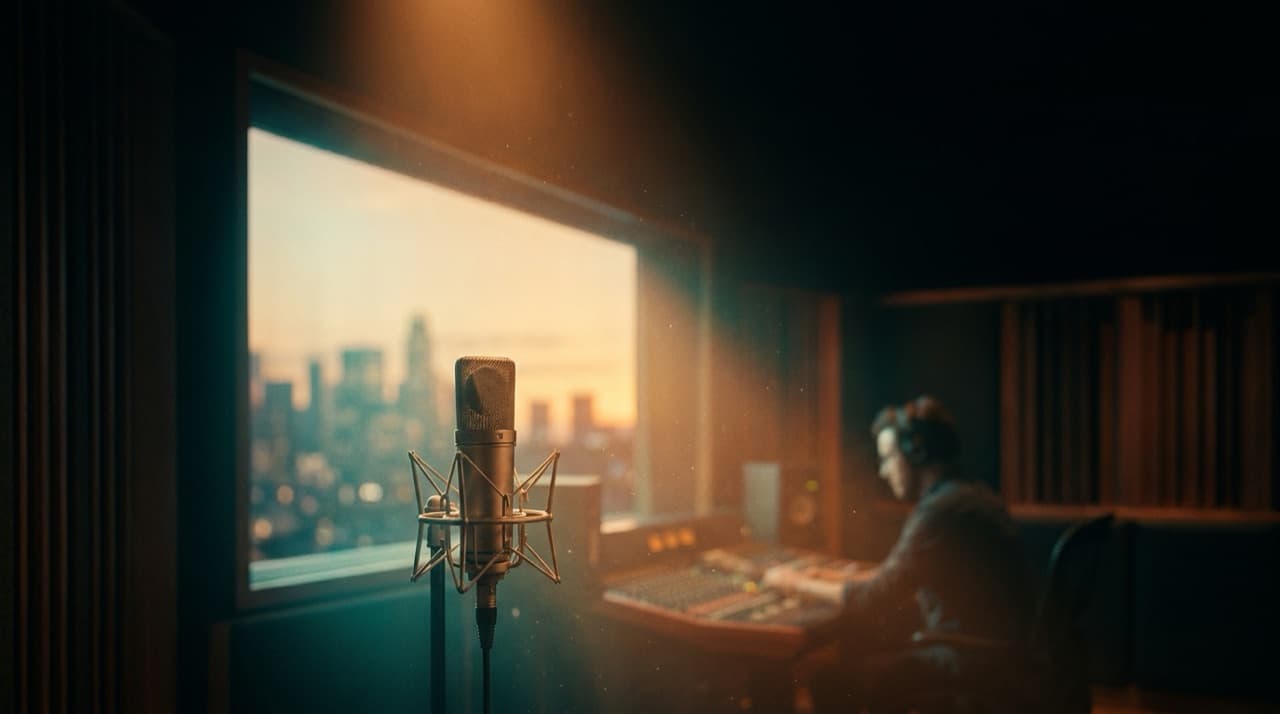
There is something undeniably special about a personalized birthday song. It shows thought, creativity, and a deep desire to make someone feel truly cherished on their big day. While professional, beautifully sung, and highly customized birthday songs are available (and we will touch on that a bit later), many people wonder if they can craft such a gift without spending a dime. The good news is, with a little creativity and some readily available tools, you absolutely can create a memorable birthday song for free.
This guide will walk you through practical, actionable steps to compose, record, and even add a visual flourish to your very own free birthday tribute. From brainstorming heartfelt lyrics to utilizing simple technology, get ready to unleash your inner songwriter and surprise your loved one with a gift they will never forget.
Start with Words: Crafting Your Free Birthday Lyrics
The heart of any great song lies in its lyrics. For a birthday song, personalization is key. Think about the person you are celebrating: their quirks, their achievements, inside jokes, memorable moments you have shared, and your hopes for their future. This isn't just about rhyming; it's about telling their story in a way that resonates deeply.
- Brainstorm Keywords and Themes: Start by listing words, phrases, and memories associated with the birthday person. Is there a particular hobby they love, a pet they adore, a characteristic that defines them (like their infectious laugh or unwavering kindness)? Jot everything down without censoring yourself.
- Choose a Structure: Most simple songs follow a verse-chorus structure. The chorus should be catchy and state the main birthday wish or sentiment. Verses can delve into specific stories or qualities. You might also add a bridge for a change of pace and an outro to conclude.
- Rhyme and Rhythm (Without Stressing Too Much): While perfect rhymes can be delightful, do not let them paralyze you. Sometimes, near rhymes (like "heart" and "start") or even internal rhymes can work beautifully. Focus more on the natural flow of the words and ensuring they fit a melodic pattern you have in mind. Try reading your lyrics aloud to check their rhythm. Many online rhyming dictionaries can assist you, but ultimately, authenticity trumps perfect poetry for a personalized gift.
- Keep it Positive and Uplifting: This is a celebration, so ensure your lyrics reflect joy, warmth, and genuine affection. Even if you poke fun, make sure it is in good taste and from a place of love.
Finding Your Melody: Public Domain and Simple Composition
Once you have some solid lyrics, you need a tune. You have a few free options here, ranging from adapting existing melodies to composing your own simple tune.
- Adapt a Public Domain Melody: The easiest route is to use a well-known tune that is in the public domain. The classic "Happy Birthday to You" is, of course, the most obvious choice, and fitting your new lyrics to its familiar rhythm is straightforward. Other public domain songs, like folk tunes or nursery rhymes, can also serve as excellent templates. Just be sure to check that the song is indeed public domain to avoid any copyright issues, though for a personal gift, this is usually less of a concern. The benefit here is that the melody is instantly recognizable, making your new lyrics stand out even more.
- Simple Original Composition: If you are musically inclined, even a little, you can try composing a simple tune. You do not need to be Beethoven. Many popular songs use very basic chord progressions and simple, repetitive melodic phrases.
- Use a Keyboard or Guitar: If you play an instrument, even basic chords can provide a foundation for your melody. Start with a simple C-G-Am-F progression (or similar) and sing your lyrics over it, experimenting with different note patterns until something feels right.
- Sing A Capella: Sometimes, the melody simply emerges from the rhythm of your words. Try singing your lyrics without any instrumental backing, letting your voice naturally find a tune. You can then record this on your phone and try to figure out the notes on an instrument later, if desired.
- Online Sequencers and Virtual Pianos: There are many free online tools that allow you to "play" virtual keyboards or create simple sequences. While these might not create a full orchestral backing, they can help you experiment with melodic ideas and record short snippets.
Recording on a Budget: Your Phone and Free Software
You have the words, you have the tune, now it is time to capture your masterpiece. You do not need a professional studio, just a smartphone and potentially some free software.
- Your Smartphone is Your Studio: Modern smartphones have surprisingly good microphones. Find a quiet room, away from noisy appliances or echoes.
- Voice Memos App: Every smartphone comes with a voice recorder or voice memos app. This is perfect for simple, quick recordings.
- Positioning: Hold your phone about 6-12 inches from your mouth. Experiment with the distance to get a clear sound without distortion.
- Practice First: Do a few test runs before your final take. Sing with confidence and enthusiasm.
- Free Audio Editing Software: If you want to refine your recording, trim silences, or even add a second track (like a simple instrumental backing or a harmony), free software can help.
- Audacity (for Windows/Mac/Linux): This is a powerful, open-source audio editor. It has a bit of a learning curve but offers incredible control for a free program. You can cut, paste, add effects (like reverb to make it sound richer), and mix multiple tracks.
- GarageBand (for Mac/iOS): If you have Apple devices, GarageBand is pre-installed and incredibly user-friendly. It allows you to record vocals, add instrumental tracks from its extensive library of loops and virtual instruments, and mix everything together easily.
- Online Audio Editors: Websites like TwistedWave Online or AudioTool offer basic editing capabilities directly in your browser, no download required. These are great for quick edits.
AI for Inspiration: Generating Free Lyrics and Ideas
While Dictem leverages advanced AI to sing personalized songs and translate content, you can also use freely available AI tools to spark your creativity during the songwriting process. These tools can act as brainstorming partners, helping you overcome writer's block.
- ChatGPT and Other Language Models: Large language models like ChatGPT can be incredibly helpful for generating lyric ideas.
- Prompting for Themes: You can ask, "Give me ideas for birthday song lyrics for someone who loves hiking and coffee."
- Generating Rhymes: "Suggest rhymes for 'adventure' that fit a birthday song."
- Verse Starters: "Write a first verse for a personalized birthday song about someone turning 30 and loving cats."
- Structure Assistance: "Outline a simple verse-chorus structure for a birthday song." Remember, these tools provide inspiration; the unique, personal touch will still come from you. The AI can give you a skeleton, but you add the heart and soul. While these free AI tools are great for text generation, they do not produce sung personalized songs, which is where Dictem's specialized AI shines. Dictem transforms your text into a fully sung, professional-quality birthday song, saving you all the effort of composition, performance, and recording.
Adding a Visual Touch: DIY Photo Slideshows
A personalized song becomes even more impactful when paired with visuals. Creating a free photo slideshow is a wonderful way to present your song.
Gather Your Photos: Collect cherished photos of the birthday person, especially ones featuring you together or showing their journey over the years.
Use Free Software:
- Google Photos/Apple Photos: Both platforms allow you to create simple slideshows with music. You can upload your recorded song and sync it with your chosen pictures.
- Microsoft Photos (Windows): The Photos app on Windows can create video projects, letting you combine photos, add text, and incorporate your audio track.
- Free Online Video Editors: Many websites offer basic video editing features, enabling you to combine images and an audio track. Look for tools like Canva's free video editor or CapCut's online version.
- Simple Transitions and Text: Keep the visuals clean. Simple fades or dissolves between photos work well. You might add text overlays with short messages or the song lyrics if you wish.
For those seeking a more polished visual experience integrated directly with their personalized song, Dictem also offers photo-to-video clips, seamlessly combining your chosen pictures with their professionally sung birthday songs.
When "Free" Isn't Enough: The Value of Professional Personalization
Creating a birthday song for free is a rewarding endeavor, and the personal effort itself is a gift. However, if you are looking for a professional-quality, truly unique, and beautifully sung personalized birthday song without spending hours on writing, composing, recording, and editing, there is an easier path.
DIY options require time, a degree of musical inclination, and technical know-how to produce something that sounds polished. The resulting quality can vary greatly. This is where services like Dictem come in. Dictem specializes in transforming your unique message into a professional, personalized sung birthday song, complete with custom lyrics and even photo-to-video clips. You provide the details, and Dictem's advanced AI delivers a ready-to-share, high-quality audio gift, saving you the effort and ensuring a premium result. This is a game-changer for those who want to give an unforgettable musical gift but lack the time or skills for a DIY approach, or simply desire a more polished and professional sound.
Frequently Asked Questions (FAQ)
Is it really possible to create a good birthday song for free?
Yes, absolutely! With creativity and the tips outlined above, you can craft a heartfelt and unique birthday song without spending any money. The key is to focus on personalization in your lyrics and to use readily available tools like your smartphone for recording. While the production quality might not match a professional studio, the effort and personal touch will make it incredibly special.
What's the easiest way to record a free birthday song?
The easiest way to record your birthday song is by using the voice recorder or voice memos app on your smartphone. Find a quiet space, hold your phone a comfortable distance away, and sing with enthusiasm. For basic editing, you can often trim the beginning and end of the recording directly within the app, or use free software like Audacity or GarageBand if you want more control.
How can I make my free birthday song sound more professional?
To make your free birthday song sound more professional, focus on clarity during recording (a quiet environment, good microphone technique). You can also use free audio editing software like Audacity or GarageBand to clean up the audio, add a touch of reverb for richness, or layer a simple instrumental track. However, for a truly professional, high-quality sung personalized song, platforms like Dictem automate this process, delivering studio-quality results without any effort on your part.
Creating a birthday song, whether for free or with the help of specialized AI, is a wonderful way to celebrate someone. The effort you put in, or the thoughtful choice to use advanced tools, will result in a gift that stands out.
If you are ready to create a truly unique, professionally sung, personalized birthday song, complete with photo-to-video clips, without the DIY hassle, explore what Dictem can do for you. Visit dictem.com today to turn your heartfelt message into an unforgettable musical gift.
Ready to go global?
Translate, re-voice, and package your content for every language, with Dictem.
Open Dictem Studio