Multilingual YouTube SEO: Titles, Tags and Descriptions
Jack Clawson
Dictem Editorial
September 16, 2026
13 min
In short
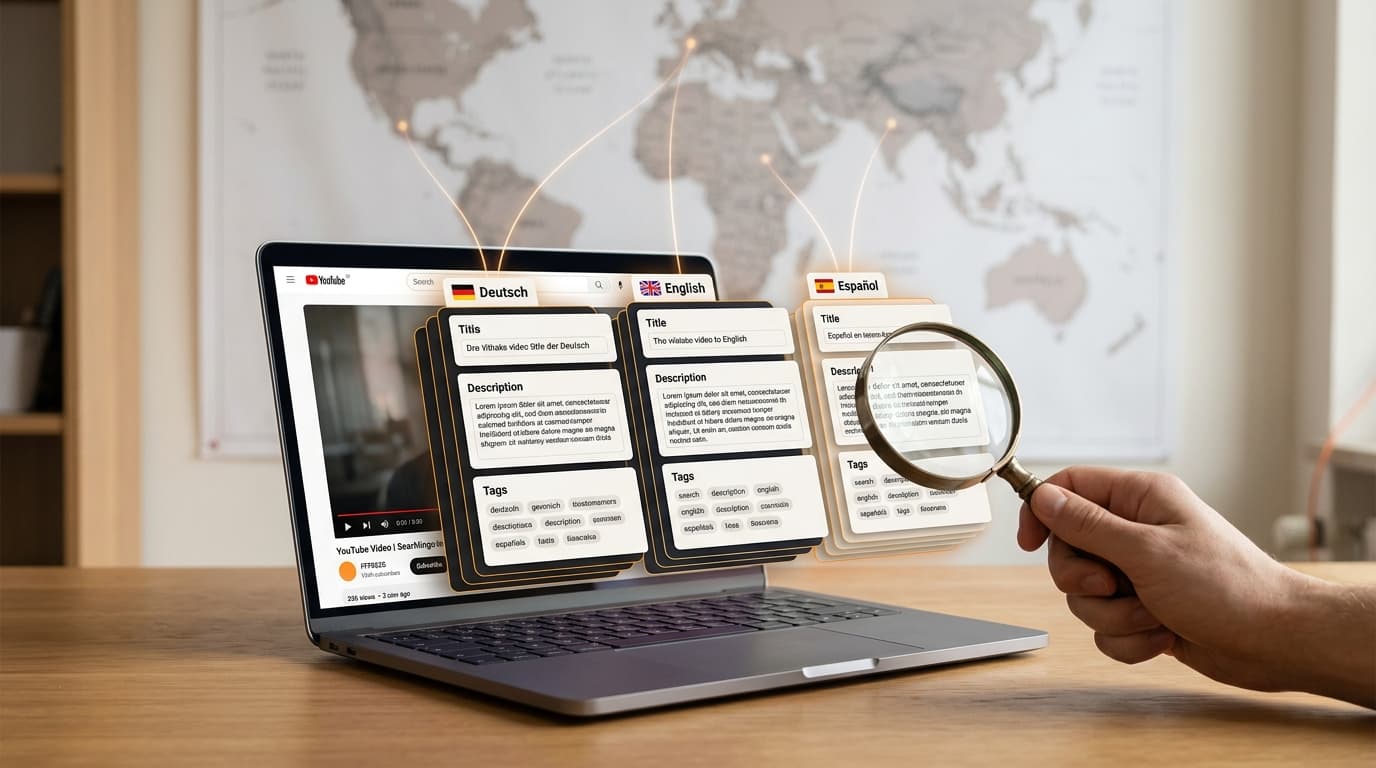
Translated titles, descriptions and tags make YouTube videos discoverable in new markets, because YouTube shows searchers exactly the language version that has been stored. This guide explains how to research keywords per market, rewrite metadata locally, and implement and measure everything in YouTube Studio.
Table of contents
Why translated metadata increases reach
Keyword research per target market instead of 1:1 translation
Translating titles: phrase locally instead of translating literally
Rebuilding descriptions per language
Setting tags and hashtags per language
Step by step: managing translations in YouTube Studio
Strategy: prioritising, measuring and scaling languages
Frequently asked questions
Sources
Key takeaways
On average, less than a third of a creator's watch time comes from their home country; translated metadata unlocks this additional reach.
Rewrite metadata per market instead of translating literally: local keywords, title formulas and CTAs decide clicks.
Keep the limits in mind: titles max. 100 characters, descriptions max. 5,000 characters, with separate budgets for tags and hashtags (details in the comparison table).
With multi-language audio tracks on the same video, over 25 percent of watch time comes from non-primary languages.
Why translated metadata increases reach
Most channels underestimate how much growth is already sitting in the text fields below the video. YouTube indexes every video first through its title and description, and search shows exactly the language version that has been stored: if someone searches in Spanish, they see the Spanish title, provided it exists.[1] Without translated metadata, a video is simply invisible to these viewers, no matter how good the content is. This lever requires no new production, no camera and no studio – only research and care per market.
Recommendations dominate, search opens new markets
YouTube is primarily a recommendation machine: the majority of views come from the homepage and suggestions, not the search bar. For international channels this means a sequence that is easily overlooked: the recommendation surfaces only serve a video in a new market once clicks and watch time have been collected there. This first contact almost always comes via search, and there YouTube's search systems evaluate the translated titles and descriptions to deliver results in the user's language.[1] Search is therefore the entry point into a market, and recommendation the amplifier.
Title: the most important ranking and click signal per language
Description: the largest text space for local keywords and context
Subtitles: make the spoken content readable for search engines and viewers
Audio: multilingual audio tracks and dubbing for the playback itself
Thumbnails: localized preview images with text in the target language
The order is deliberately chosen: metadata first, then subtitles, then dubbing for the markets that support growth. This staging ties the effort to demonstrable demand, and the YouTube documentation also recommends initially focusing on one or two languages and going deep there.[1] Anyone who invests directly in expensive dubbing risks viewers in the target market clicking but dropping off because the audio and text do not match the language. How the two stages compare is shown in the post AI dubbing vs. subtitles.
Keyword research per target market instead of 1:1 translation
The core thesis of this article is: search terms cannot be translated literally, because every country searches differently. The English "how to edit videos" uses different wording in German, a different search logic in Japanese, and in Spanish different terms again depending on the country. A 1:1 translation of the original title therefore rarely matches the search queries actually made in the target market. Anyone who translates here instead of researching is optimizing for search volume that does not even exist.
Local research: the right tools
Use YouTube autosuggest in the target language: switch the language and region in a logged-out browser and type in your own topics to see real search queries
Google Trends with geo filter: compare terms and phrasings per country instead of looking globally
TubeBuddy and VidIQ: evaluate region-specific keywords, search volume and the tags of competing videos in the target market
YouTube Analytics Research tab and Google Ads Keyword Planner: YouTube itself recommends these sources for identifying popular keywords and synonyms[2]
Formulas and trends instead of word for word
Alongside keyword research, it is worth looking at which title formats native creators in the target market's niche use. Numbers, questions, brackets, years: every niche and every language has its own conventions that work there because viewers are used to them. Anyone who merely translates the original title imports the formula of the home market into a market that reads different hooks. It is better to keep a list of the five most common title patterns in your niche per language and write the new titles directly into those patterns.
Not every market is worth the same effort, which is why prioritization follows the research. Your own analytics provide the basis for the decision: traffic sources by country, comments in foreign languages, and watch time from regions for which no localized metadata exists yet. Where demand from a market is already visible, the first translation pays off fastest. Which levers matter besides language is shown in the strategy article Growing globally as a creator.
Translating titles: phrase locally instead of translating literally
With the title, a few characters decide between a click and scrolling on, and the technical limits are hard: YouTube allows a maximum of 100 characters, but in search results and suggestions usually only around 70 of them are displayed, and on some mobile surfaces only about 50.[3] The main keyword therefore belongs in the first 50 characters so that it remains visible on every surface. A translation that is longer than the original loses exactly the part viewers see – and with it, often the keyword or the hook.
Adopt numbers and brackets where they are common in the target market: "5 mistakes", "(2026)" and similar patterns work in many languages, but not equally in all of them
Use local hook formulas from the niche research instead of following the English template
In German, go for clarity rather than exaggeration: concrete promises beat Anglo-American clickbait
Check the length: the translated title should keep the keyword within the visible characters
Three mistakes regularly cost reach. First, the brand name at the start of the title: it consumes the most valuable characters without serving a search need, and belongs at the end or in the description. Second, keyword stuffing: repeated terms in the title look like spam to viewers and the algorithm alike and can push down the CTR. Third, borrowed English clickbait phrases: "You won't believe" sounds unusual in German or Japanese and simply implausible. The title has to feel like one a native creator would have written.
Rebuilding descriptions per language
The description is the biggest SEO lever per market, because it is the only place where hundreds of characters can be filled with local keywords. YouTube allows a maximum of 5,000 characters and recommends using the first lines to describe the video – exactly the part viewers see before clicking "Show more".[2] Depending on the device, only the first roughly 150 to 157 characters are visible.[3] The main keyword and the hook therefore belong in the first lines, followed by context with additional local keywords, chapter markers and links.
First 150 to 157 characters: hook plus main keyword, because exactly this text appears in the search snippet and above the "Show more" click[3]
Middle section: detailed summary with secondary keywords, chapter markers and resources in the target language
Local links: offers, shop or newsletter that actually exist in the target market and speak the target language
Local CTAs and social channels: Instagram and TikTok are not enough for every market – in China or South Korea, other platforms decide
Keep every description unique: according to YouTube's documentation, individual descriptions per video improve discoverability in search[2]
Hashtags belong at the end of the description, usually three to five relevant terms per video. More hurts: YouTube explicitly warns against over-tagging, ignores every single hashtag when there are more than 60, and in the worst case can remove the video from search.[4] Important for multilingual channels: hashtags are public and link to a results page, so they should be set in the language of the target market. A Spanish-speaking viewer clicks on #aprenderalemán, not on #learngerman.
Setting tags and hashtags per language
Tags and hashtags are frequently confused, even though they live in different places and have different limits. Tags are hidden metadata that are only maintained in the backend of YouTube Studio and help the algorithm with classification. Hashtags are publicly visible, appear in the description and partly above the title, and link to a shared results page.[4] Both fields have their own limits, which quickly become tight when localizing multiple languages.
| Feature | Tags | Hashtags |
|---|---|---|
| Visibility | hidden, only YouTube Studio | public, in the description and above the title |
| Total budget | 500 characters per video | no character budget, but with more than 60 hashtags YouTube ignores every single one |
| Limit per unit | no separate limit per individual tag | no character limit, but no spaces |
| Display above the title | no | up to three hashtags |
| Source of the terms | local keyword research | local keyword research |
For practice, this yields a clear rule: per language, the video gets its own tag set, drawn entirely from local keyword research. The character budget in the tag field is tight, and every line filled with English or German tags is missing from the terms of the target language. A mix of several languages in one field also dilutes the topic for the algorithm. Anyone who documents tags separately per language version can also reuse them later for new videos.
Step by step: maintaining translations in YouTube Studio
YouTube Studio offers a dedicated workflow for translated titles and descriptions via the subtitles section. The translated metadata are assigned to the same video – no second video and no second channel is created. YouTube automatically shows each viewer the stored language version that matches their settings.[5]
Log in to YouTube Studio and select "Subtitles" in the left menu
Open the desired video and, if necessary, confirm the original language
Click "Add language" and select the target language
Under "Title and description", click "Add"
Enter the locally researched title and description and click "Publish"[5]
For individual videos, this manual route is perfectly sufficient. With larger catalogs, however, it quickly becomes time-consuming, because every video and every language has to be maintained separately. If you manage via the YouTube Content Manager, you can instead upload a CSV file with the localized titles and descriptions and update many videos at once.[5] Media teams and networks with hundreds of videos should plan for this bulk route from the very beginning.
Metadata is the first step, but not the last: on the same video, you can additionally add multi-language audio tracks and localized thumbnails, so that viewers in the target market see sound and preview image in their own language.[1] The effect is measurable: creators who uploaded multilingual audio tracks earned over 25 percent of their watch time from views in the non-primary language.[1] The guide YouTube video in other languages describes what the entire path from one video to a multilingual output looks like.
Strategy: Prioritize, measure and scale languages
The choice of language should depend on the goal, not on gut feeling. Markets with high advertising payouts such as Germany or the USA generate significantly more revenue per view than many larger markets. Reach languages such as Spanish or Hindi, on the other hand, deliver the larger audience, albeit at lower CPMs. A sensible first selection therefore usually combines one revenue language and one reach language, supplemented by the markets where your own analytics already show demand. According to YouTube's documentation, this demand can be read directly in YouTube Analytics when you break down views and watch time by audio language.[1]
CTR per language: monitor the click-through rate of localized titles in the respective markets and sharpen weak titles
Watch time per language: do viewers stay after the click? A drop shows that metadata alone is not enough and subtitles or dubbing must follow
Revenue per language: evaluate advertising payouts and conversions per market in YouTube Analytics
Overall effect: break down views and watch time by language to see where the translated metadata is actually bringing in new audiences[1]
When scaling, it is worth prioritizing the stock of older videos: the most-viewed older uploads reach a new audience immediately with translated metadata, without a single minute of new production. The more languages and videos are added, the more important central metadata management becomes, so that titles, descriptions and tags remain consistent per language and do not rot in spreadsheets. That is exactly what a content management system like ContentHub Studio is built for, which keeps multilingual video metadata in one place for the team and systematically maintains the localized versions. If you are planning the next step toward voiced videos, you will find the right workflow in the practical guide on video translation with AI.
Frequently asked questions
How do I translate the titles and descriptions of my YouTube video?
In YouTube Studio, select Subtitles on the left, open the video, click Add language, choose the target language, then enter the translations under Title and Description and publish. YouTube then shows this version to users who speak that language. For large catalogs, you can also upload a CSV file with translations via the YouTube Content Manager.
Do translated titles and descriptions help with YouTube ranking?
Yes. Once a video has translated titles and descriptions, it can be discovered through those translations: YouTube's search systems evaluate the translated titles and descriptions to deliver relevant results in the user's language. This increases reach and discoverability in markets that previously had no access to the video at all.
Which languages should I translate my YouTube metadata into first?
Base your selection on your analytics: where is traffic already coming from, and in which languages do viewers write comments? Additionally, a mix of a market with high advertising payout, such as German or English, and a market with high reach such as Spanish or Hindi is worthwhile. More important than the number of languages is depth: it is better to fully serve a few markets than to serve many only halfway.
How many tags and hashtags can a YouTube video have?
The tags field in YouTube Studio holds a total of 500 characters, with no separate limit for a single tag. Hashtags are separate from this: YouTube warns against over-tagging and ignores every individual hashtag if there are more than 60. In practice, three to five hashtags at the end of the description are enough, of which up to three appear above the title.
Should I start a separate channel per language or use Multi-Language Audio?
Multi-Language Audio allows multiple audio tracks on the same video and bundles all engagement signals on one channel, which simplifies management and analysis. Separate language channels make sense when a market expects full localization. Many creators test with Multi-Language Audio first and additionally launch separate channels for markets with strong demand.
Is Google Translate enough for YouTube SEO?
No. Literal translations take into account neither local search behavior nor the title formulas that actually generate clicks in that market. Successful multilingual metadata is researched and written per market, with local keywords from autosuggest, Google Trends, and tools like TubeBuddy or VidIQ.
How long can a YouTube title be?
The title field allows a maximum of 100 characters. However, in search results and suggestions usually only around 70 characters are displayed, and on some mobile surfaces only about 50, so the main keyword should appear in the first 50 characters. For multilingual titles there is an additional rule: the translation must fit the same core message into the limit, often in longer target languages.
Sources
[1] support.google.com – https://support.google.com/youtube/answer/13338784?hl=en
[2] support.google.com – https://support.google.com/youtube/answer/12948449?hl=en
[3] charactercounteronline.com – https://charactercounteronline.com/youtube-character-limits/
[4] support.google.com – https://support.google.com/youtube/answer/6390658?hl=en
[5] support.google.com – https://support.google.com/youtube/answer/6289575?hl=en
Ready to go global?
Translate, re-voice, and package your content for every language, with Dictem.
Open Dictem Studio